Developer devices
Secure the machine and the AI agent on it
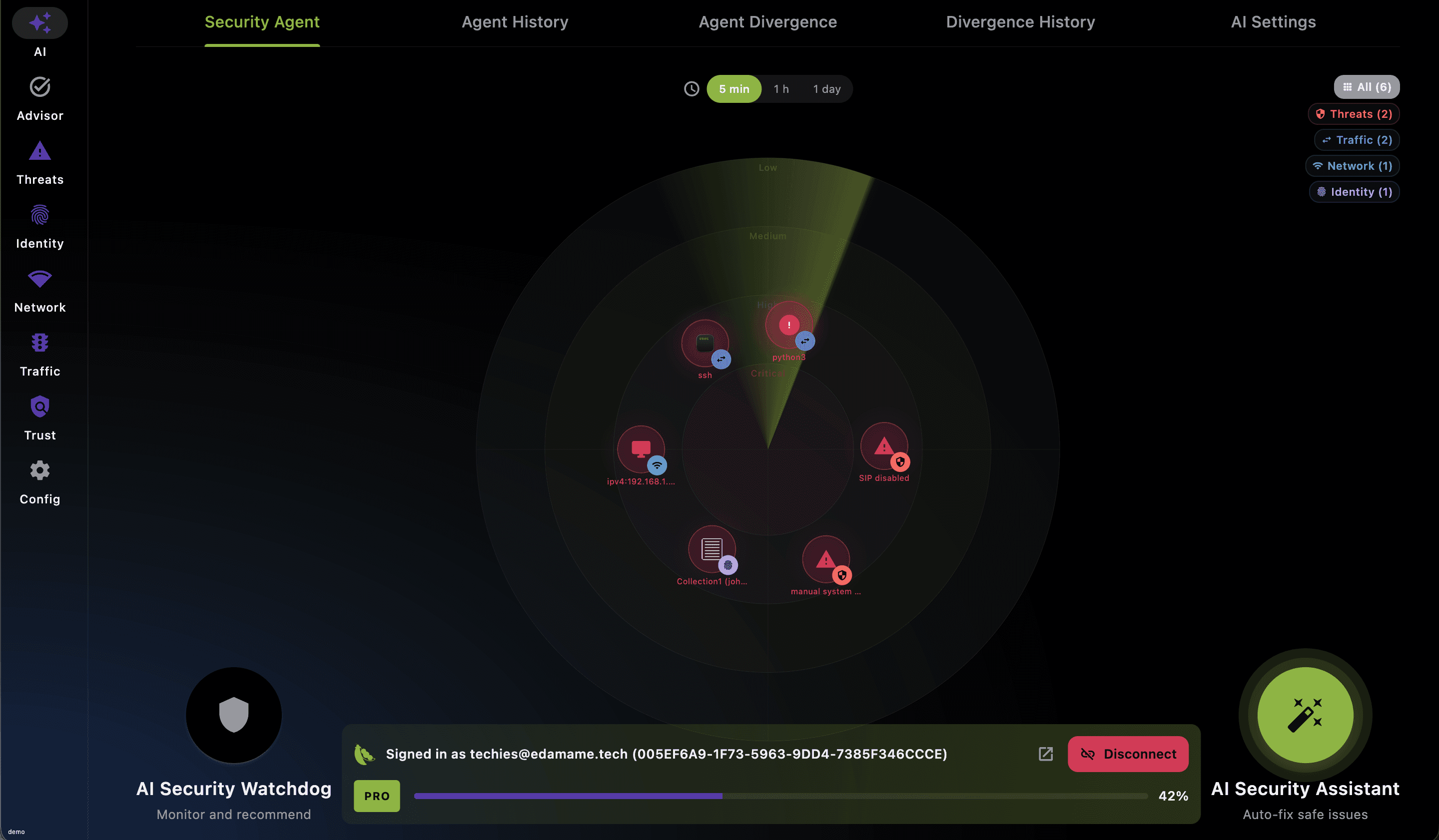
EDAMAME Security explains what is risky on your workstation and guides hardening without taking away human autonomy. Run local AI agents — Cursor, Claude Desktop, Claude Code, Codex, OpenClaw, and Hermes — with confidence: it is your AI agent trust anchor, watching each one independently from outside the agent on the same machine, so you can see what they actually do.
Workstation trust
Human builders should keep speed, autonomy, and proof
Keep your tools, IDEs, and admin rights. EDAMAME verifies your device posture continuously, produces the proof your security team needs, and observes local AI agents independently — from outside the agent, at the endpoint boundary. Runtime visibility shows when agent behavior diverges from declared intent; attack-pattern findings show when code touches sensitive paths or exfiltrates tokens.
Secure my machine
Harden macOS, Windows, Linux, iOS, or Android with guided fixes that respect how humans actually work.
Secure my AI agent
Use EDAMAME Security as the workstation trust anchor for local coding sessions in Cursor, Claude Desktop, Claude Code, Codex, OpenClaw, and Hermes, then route deeper runtime verification through the agent integrations page.
Share portable posture proof
Generate clear, signed device-trust reports you carry across employers and clients — verifiable proof for internal teams and security reviewers, instead of screenshots and promises.
Features
Workstation security that helps instead of blocking
Understand the posture of your laptop or tablet, take action with guided remediation, and keep a trustworthy workstation underneath your developer tools and local AI agents. EDAMAME reduces risk without turning the machine into a locked-down appliance, while surfacing divergence evidence and attack-pattern findings when runtime behavior changes. EDAMAME has already caught real incidents in the wild—including supply chain attacks like the ones on Trivy, LiteLLM, Shai-Hulud, and TanStack. It detects the technique, not the indicator: 11 of the 12 publicly documented incidents in our September 2026 threat-coverage review were caught with no update.

Keep Track of Your Agents
Discover every running AI agent — even ones nobody approved — and raise a divergence alarm when declared intent does not match observed system actions.
Active Attack Detection
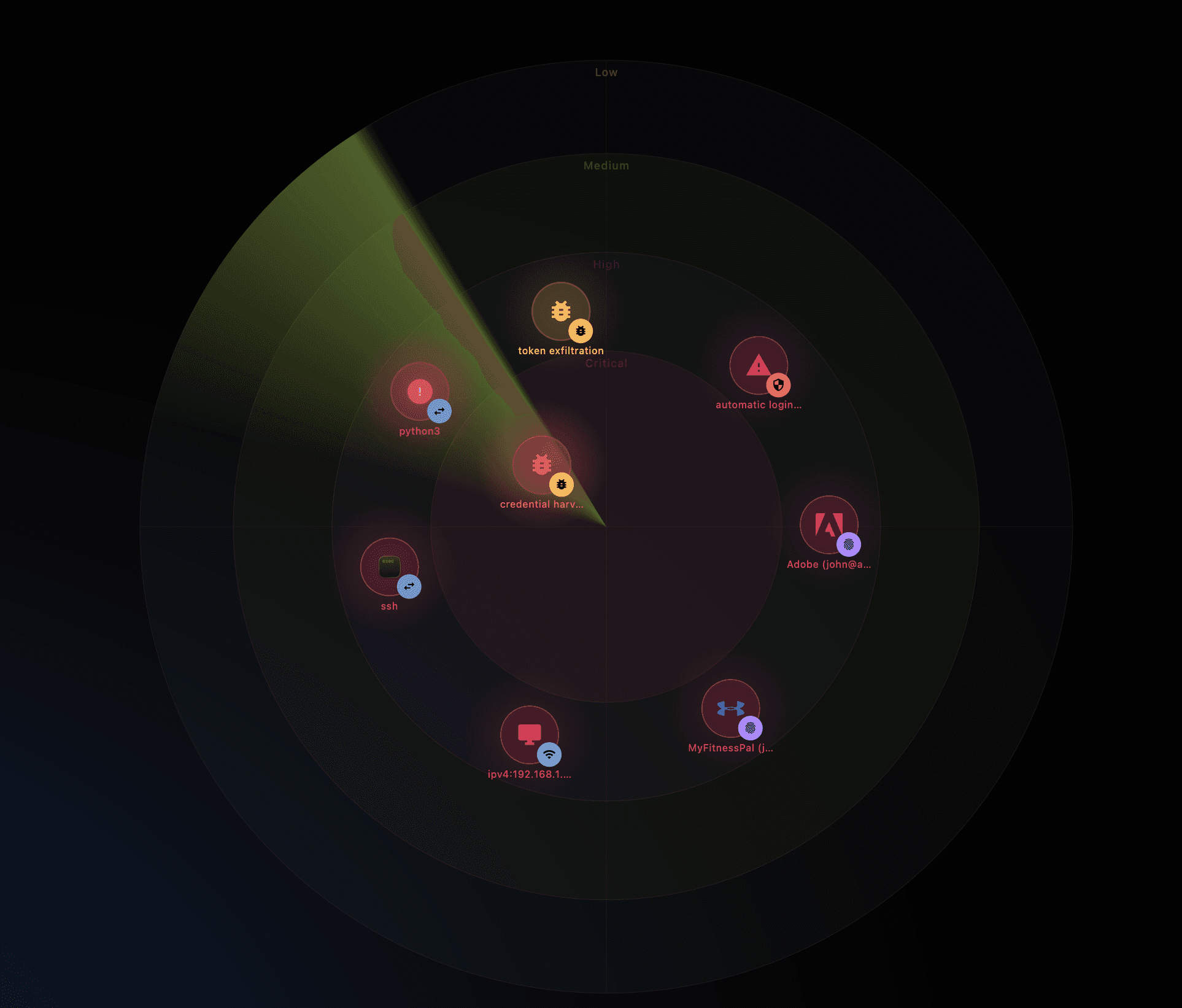
Live behavioral checks detect credential theft, malicious tools and skills, sandbox abuse, and file tampering—beyond CVE feeds. Findings map to OWASP GenAI and runtime-observable MITRE ATLAS techniques as detection evidence, not certification.
Automated Audits and Hardening
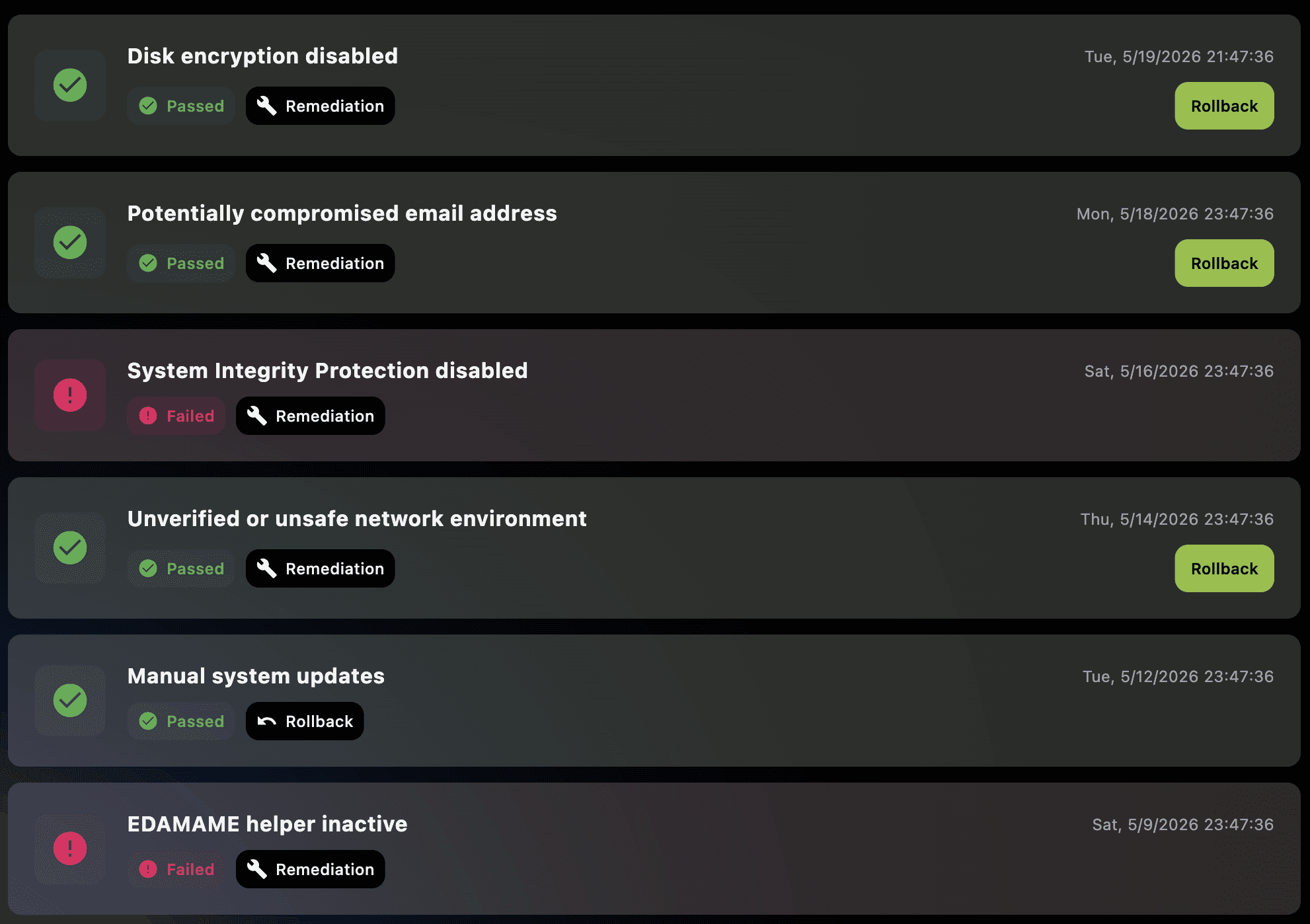
Continuous checks against OS best practices; guided remediations (enable firewall, harden services, apply patch) with user‑approved changes.
Produce Signed Compliance Reports
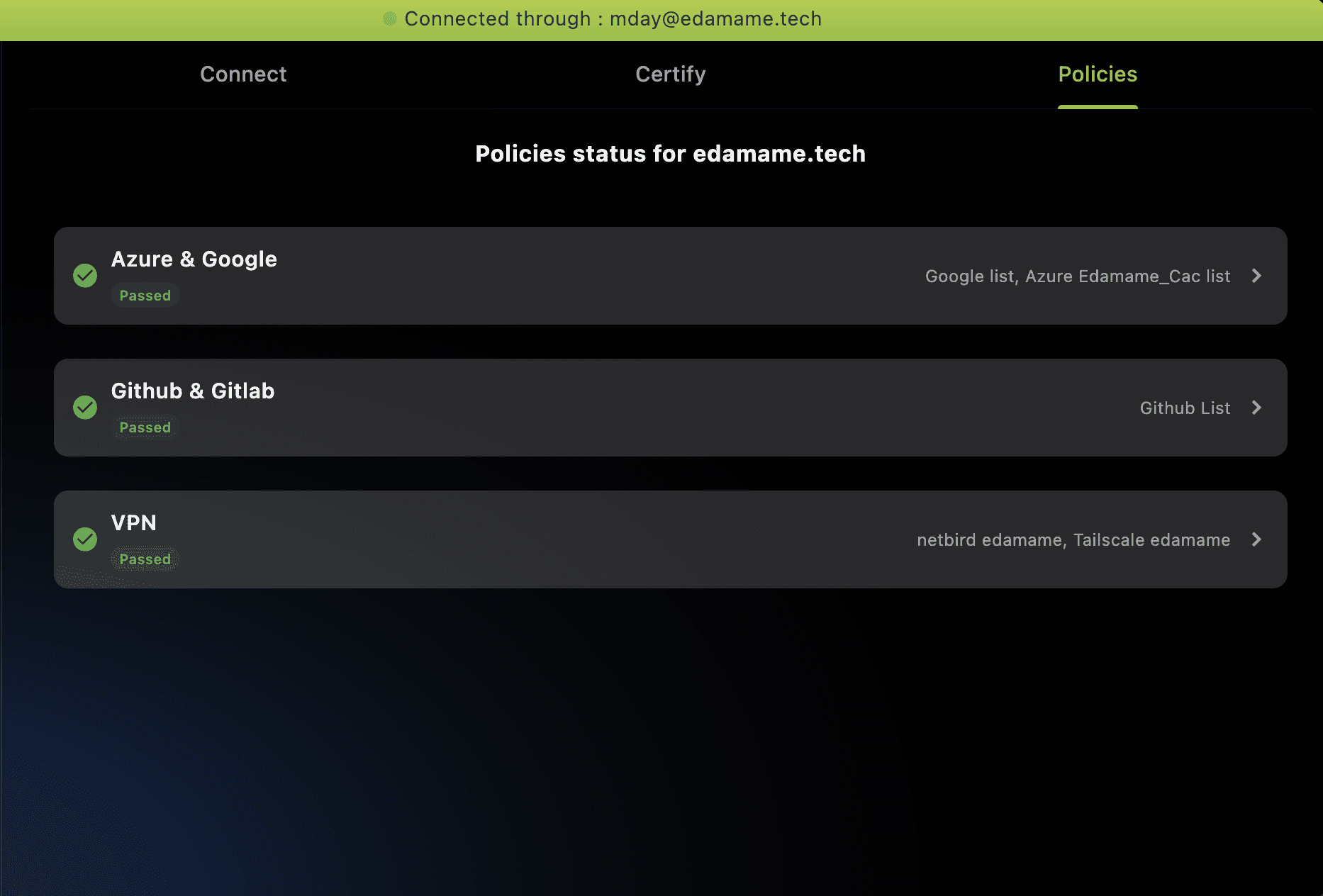
Click to produce ISO/SOC‑aligned posture reports for clients and security teams. Proof over promises.
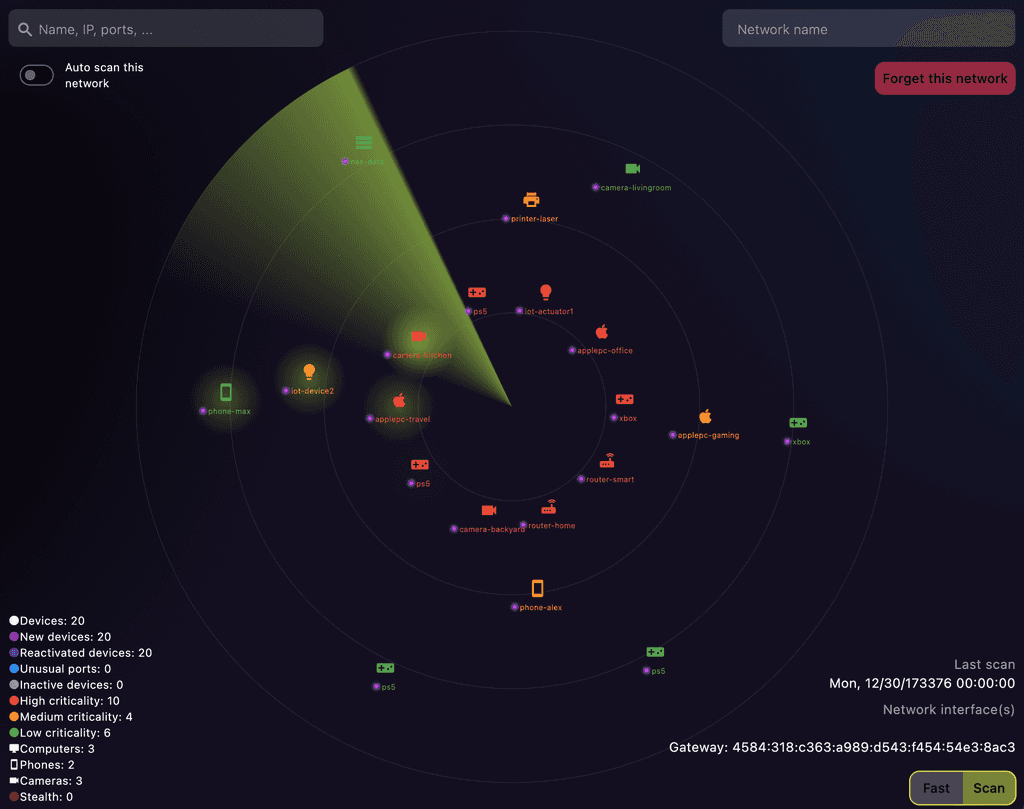
Advanced Network Scanning with AI Analysis
Discover neighbors, find exposed services, and get plain‑language guidance to reduce your attack surface.
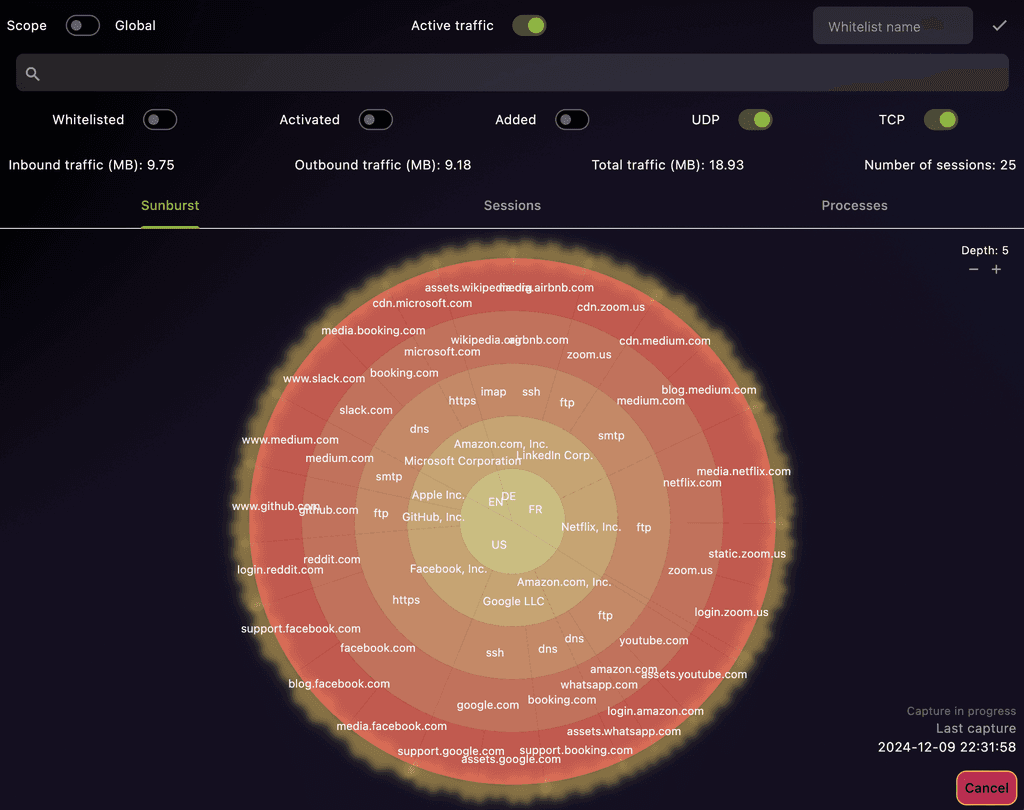
AI and ML based Process-Level Network Traffic Analysis
See which process talks to whom. ML flags anomalies; the AI explains potential risk and suggests next steps.
Who?
Who Is EDAMAME Security For?
Whether company‑held, contractor‑owned, or BYOD, EDAMAME helps you prove your device is safe—with an AI coach that keeps you compliant without slowing you down.
Developers and Software Engineers
Secure your development environments and protect your code integrity. Use this tool to ensure your systems are hardened and your applications are developed on secure platforms.
Contractors and Consultants
Safeguard sensitive client data and comply with varying security requirements. We help you secure your devices when working with multiple clients, ensuring confidentiality and maintaining professional trust.
Security Professionals and System Administrators
Enhance your toolkit with automated audits, system hardening, and advanced network analysis to maintain secure infrastructures.
Freelancers Handling Sensitive Data
Protect client information with robust security measures and proactive monitoring.
Individuals Concerned About Privacy and Security
Maintain control over your digital footprint and device integrity with professional-grade tools.
BYOD Users in Multiple Work Environments
Ensure your personal devices meet security standards across different employers and network environments.
Testimonials
What humans are saying
As developers, we know firsthand the struggle of balancing security with productivity. These testimonials validate our mission: building developer-first tools that protect without slowing you down—empowering innovation while strengthening security in the background.